
Technology
Remote work security basics 2026: passwords, devices, and what companies actually check
By Faham Baloch · September 23, 2026 · 2 min read
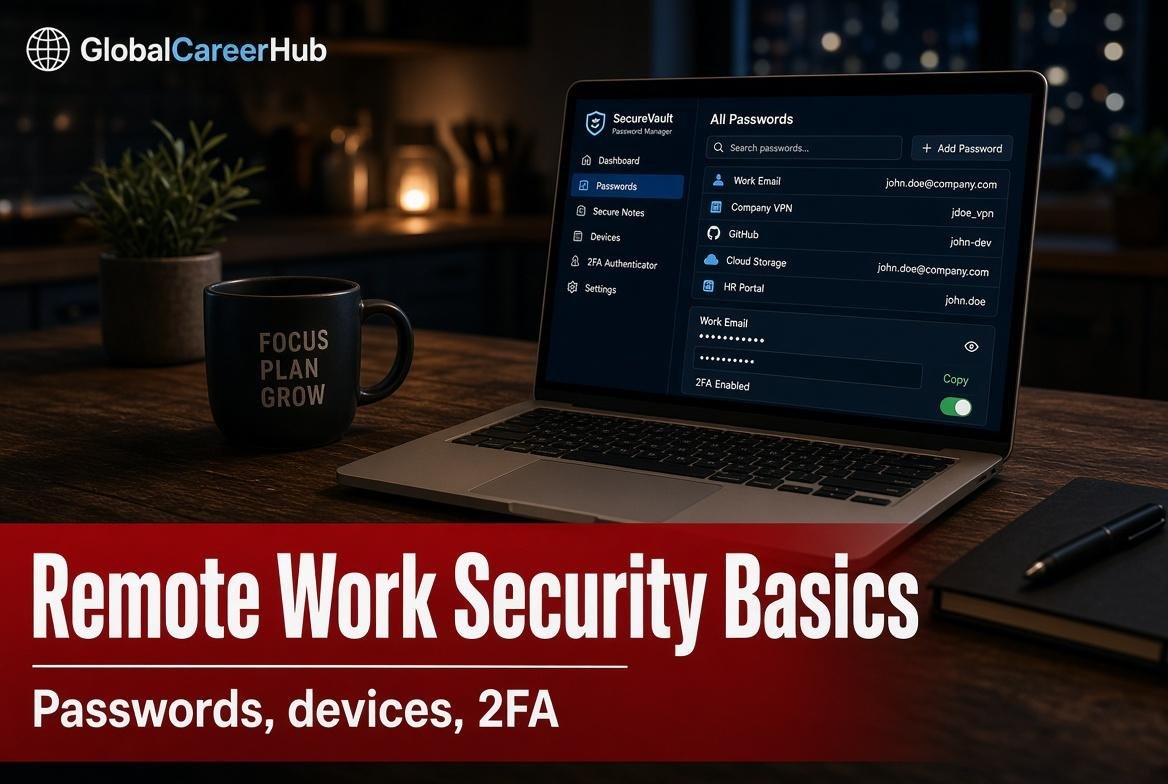
Remote postings ask for security more often than office postings. That is not because every freelancer must sit a CISSP. It is because a home laptop is now part of the company perimeter. Cloud admin work uses the same hygiene: the SaaS admin beginner path.
Password manager first
One master password. Unique logins. Turn on two-factor for email and the bank. Writing passwords in Notes is how accounts vanish while you sleep.
Separate work from family devices when you can
A browser profile for client work is the minimum. A second cheap laptop is better if clients send documents. Shared family PCs with random extensions are a story you do not want to tell in an incident review.
Phishing is the test you will fail tired
Unexpected “HR” PDFs. Courier links. A boss who only messages on WhatsApp asking for gift cards. Slow down. Call a known number. Security awareness at work is mostly this habit, not a tool logo.
Data you never paste into a public model
CNIC scans, payroll, patient notes, unpublished source code. Companies now ask candidates how they use AI. The right answer includes what you refuse to upload. See also AI study tools without wrecking a record if you are still on campus.
What to put on a CV if you are not in security
“Ran access reviews for a ten-person Workspace.” “Turned on 2FA for the shop’s ads account.” That is closer to SaaS admin work than to a hacker film. It is also what small firms need.
Security references worth linking
- UK NCSC — staying secure online
- CISA — Secure Our World
- NIST Cybersecurity Framework
- Cloud / SaaS admin path
How to work this guide
Beginner cybersecurity and SaaS admin paths start with access, backups, and passwords — not a logo wall of tools. Turn on a password manager and 2FA on email today. Do not paste CNICs into a public chatbot.
NIST and NCSC pages explain the same hygiene in public language. Use them. Then write one ticket you closed: who lost access, what you restored, how you checked.
Related on GlobalCareerHub
Context at a glance
| Point | Detail |
|---|---|
| Who this is for | Office and remote workers who touch accounts and files |
| Do this week | Turn on a password manager and 2FA for email today |
| Official page | UK NCSC basics |
| Skip | Pasting CNICs or payroll into a public chatbot |
Conclusion
Most breaches start with a reused password. Hygiene beats a certificate you have not used. Write down what you refuse to upload.